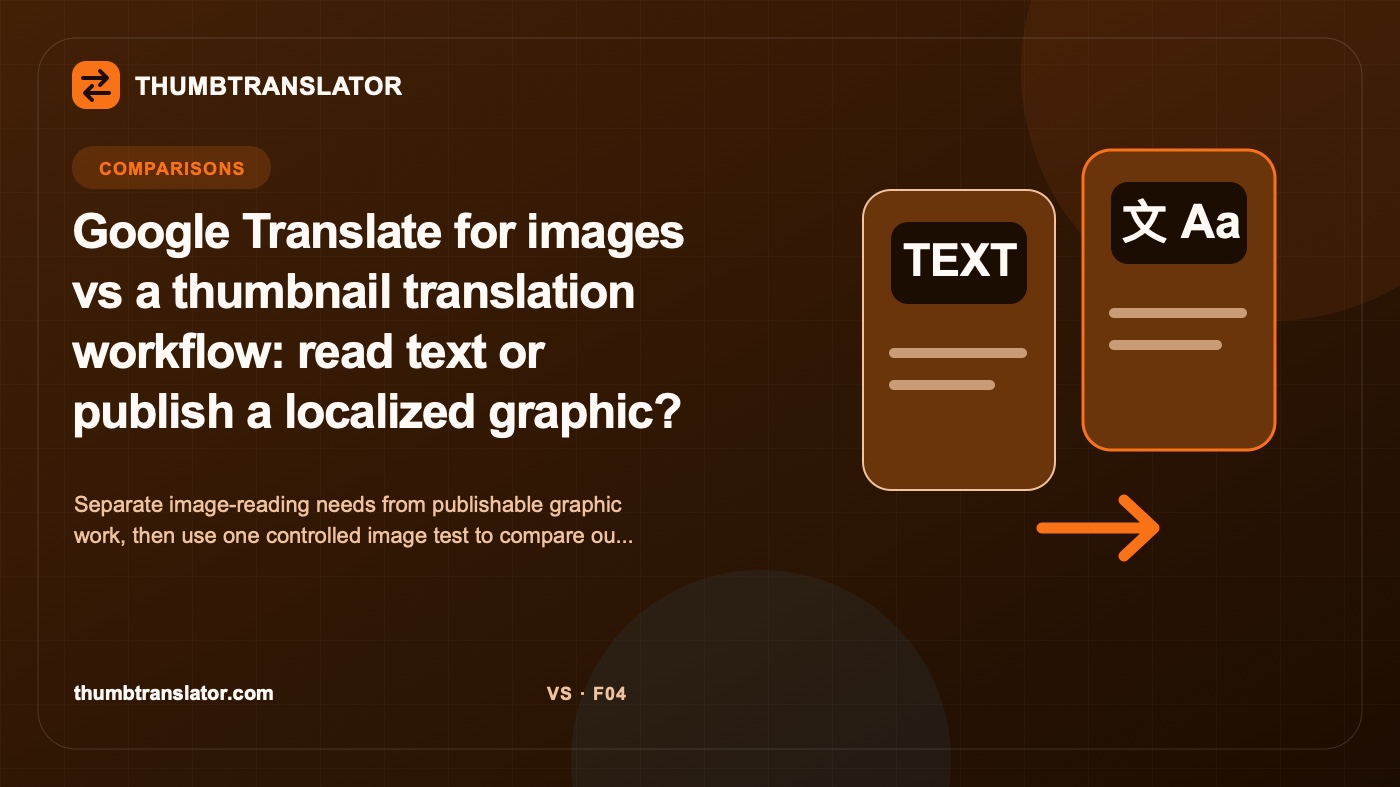
Google Translate for images vs a thumbnail translation workflow: read text or publish a localized graphic?
Separate image-reading needs from publishable graphic work, then use one controlled image test to compare outputs, review, and design retention.
Written by
ThumbTranslator Team
Practical guidance for translating thumbnail and product-image text while protecting meaning, layout, and review quality.
Decide what you need at the end. Understanding words contained in an image and publishing a localized graphic are different jobs. The first may end with text that a person can read or copy. The second needs a reviewed visual asset whose wording, layout, and design are suitable for publication.
Check current official documentation before relying on what Google Translate or any thumbnail workflow accepts, displays, stores, or exports. Product behavior and account limits can change. The comparison below separates the two jobs and shows how to test selected workflows without assuming their capabilities.
Define the two user jobs
The reading job begins with a question such as, "What does this image say?" The person may need to understand a screenshot, sign, label, or graphic. Visual fidelity is often secondary because the required outcome is comprehension.
The publishing job begins with a different question: "How do I prepare this graphic for a target-language audience?" The result must remain a graphic. A reviewer needs to check the translated wording and the visual treatment before the file enters a content, advertising, or ecommerce workflow.
Some people need both outcomes. They may first inspect what the source says, then create a localized version for publication. That sequence does not make the two tools or methods direct substitutes. It means the project contains two jobs, each with its own acceptance criteria.
Write the desired artifact before selecting a workflow:
| User job | Required artifact | Primary review question |
|---|---|---|
| Understand image text | Readable or extractable meaning | Is the text understood correctly? |
| Quote or reuse wording | Approved target-language copy | Are names, numbers, and qualifiers intact? |
| Publish a localized graphic | Reviewed image file | Is the wording and visual result suitable? |
| Maintain a brand asset | Reviewed image plus approval record | Does it meet the named brand specification? |
Compare input and output expectations
Input is more than the file. Record whether the person has a live camera view, a screenshot, a flattened export, or the original design source. Record the target language, source ownership, and whether the text has already been approved for translation. These conditions affect what can be compared.
Output expectations should be equally specific. Do not write "translated image" if the team actually needs selectable text, an on-screen interpretation, an editable design, or a downloadable edited graphic. Name the dimensions, file type, visual constraints, and approval record required by the next step.
Use a matrix that keeps product facts separate from the desired outcome:
| Requirement | What to verify | Evidence source |
|---|---|---|
| Understand visible words | Whether the output provides readable target-language meaning | Hands-on observation |
| Return a reviewed graphic | Whether the workflow returns the required image artifact | Saved unedited output |
| Support the chosen file | Accepted file type and limits for the selected account | Dated official documentation |
| Preserve layout and effects | Observed changes in a same-image comparison | Same-image visual review |
| Allow correction | Steps available when wording or layout is wrong | Recorded workflow steps |
| Store or retain files | Current handling and retention terms | Current privacy documentation |
Test one image in both workflows
Choose one rights-cleared image that contains enough detail to reveal a meaningful difference. Include a headline, smaller text, a number or name, and at least one visual effect such as a stroke or shadow. Keep the source image and approved target translation identical.
Before starting, record the date, device, account state, visible product name, input route, chosen settings, and expected artifact. If the two workflows expose different controls, document the difference instead of pretending the settings are equivalent. Save screen captures and every unedited result.
Apply the same review sheet:
- Check every word, number, name, and qualifier against the approved copy.
- Record missing, added, or altered text by location.
- Inspect layout, line breaks, hierarchy, text effects, and background changes.
- View the result at its intended display size.
- Record corrections, external steps, errors, and final approval status.
The same fluent reviewer should assess both results. The same visual reviewer
should inspect both artifacts. If one workflow does not return the required
artifact, record job mismatch rather than assigning it an arbitrary quality
score. A reading result should not be punished for failing an output it never
claimed to produce, and a publishable graphic should not pass solely because
the words can be understood.
One fixture supports only a case observation. Add harder images and repeat the protocol before making any claim about reliability, speed, or quality.
Review publishability and design retention
Publishability includes language approval, visual approval, rights, factual accuracy, and fit with the destination. A generated or edited image can look convincing while changing a small number, omitting a restriction, or weakening contrast. The reviewer must compare against both the original image and the approved target copy.
Design retention should be broken into fields. Check composition, text region, font appearance, size, color, stroke, shadow, spacing, line breaks, and nearby imagery. "Looks similar" is too vague for an audit. Record each observed change and link it to the unedited output.
Use factual review states:
| Field | Allowed result |
|---|---|
| Wording | Approved, issue observed, or not reviewed |
| Missing text | None observed in this fixture, issue observed, or not reviewed |
| Layout | Specific change recorded or no change observed in this fixture |
| Final-size legibility | Pass or issue observed at a named size |
| Publishable artifact | Meets defined requirements, does not meet them, or not produced |
| Current product fact | Officially documented, not disclosed, or not verified |
Do not translate "none observed" into "never happens." Do not use a clean fixture to claim perfect preservation. Keep test observations separate from official facts about formats, availability, privacy, limits, and price.
Choose based on the intended outcome
For comprehension, select a workflow only after confirming that its current output matches the reading task. For publication, select a workflow only after confirming that it returns the required graphic and that the team can review and correct it. If the project needs both, plan two stages and preserve the approved copy between them.
Scenario fit should remain conditional:
- A traveler or researcher who only needs to understand an image may prioritize a readable interpretation over visual reconstruction.
- A creator preparing a translated thumbnail needs a reviewed graphic and a clear correction path.
- An ecommerce team must also check names, numbers, claims, units, offers, and the destination's asset process.
- A brand team may require source records, unedited outputs, and approval from both language and design reviewers.
Define the artifact, verify current official facts, run the controlled test, and choose from the observed result. If a workflow solves only the reading job, use it for reading. If a tested workflow returns a reviewed graphic that meets the written criteria, it can enter the publishing process without being declared a universal winner.
Related posts
Insights, updates and stories from our team