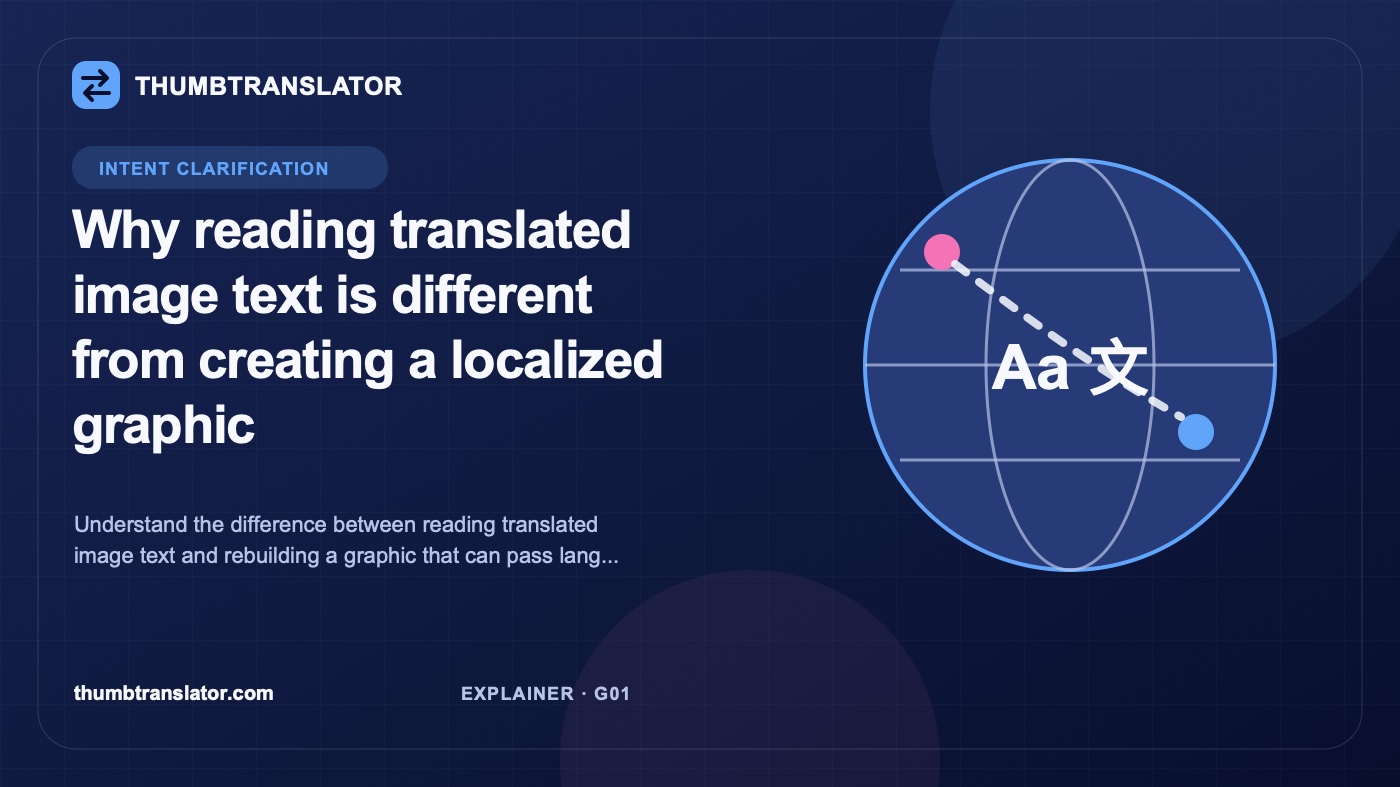
Why reading translated image text is different from creating a localized graphic
Understand the difference between reading translated image text and rebuilding a graphic that can pass language, design, and release review.
作者
ThumbTranslator Team
Practical guidance for translating thumbnail and product-image text while protecting meaning, layout, and review quality.
Reading translated text from an image and creating a localized graphic solve different problems. A reading workflow helps someone understand words that are trapped inside a picture. A reconstruction workflow produces a new image with target-language copy placed back into the design for review and possible publication. The first output may be a text list or on-screen overlay. The second output is an image file that still needs language, design, and release checks.
Choose the job before choosing the tool. Otherwise, a fast reading result can be mistaken for finished artwork, or a team can rebuild a graphic when all it needed was a rough translation for internal understanding.
Define image-text reading
Image-text reading usually begins with optical character recognition, often called OCR. The system finds visible characters and turns them into machine-readable text. A translation step can then convert that extracted text into another language. Depending on the workflow, the result may appear as a list, a copied text block, or an overlay that helps the viewer understand the source image.
The main deliverable is comprehension. Someone can learn what a sign says, read a screenshot, identify a label, or understand a graphic well enough to make a decision. The source image may remain unchanged.
That makes reading workflows useful for research, support triage, quick reference, and internal review. They are also useful before localization production because an asset inventory needs to know what words are present. But extraction quality can vary. Decorative fonts, low contrast, curved text, compressed screenshots, and words crossing complex backgrounds can all lead to missing or incorrect characters.
Even accurate OCR does not answer design questions. It does not decide which phrase should stay largest, whether a translated label still points to the right object, or whether a longer line should be shortened. Those questions begin when the desired output is a new graphic.
Define graphic reconstruction
Graphic reconstruction creates a target-language version of the image itself. The old text area must be replaced or rebuilt, the translation must fit the available space, and the result must retain a clear relationship between words and visual elements.
A reconstruction workflow may involve these tasks:
- Identify each source text region and its role.
- Translate the words in context rather than as isolated fragments.
- Remove or cover the source text without damaging the surrounding image.
- Place the target copy with suitable size, spacing, contrast, and hierarchy.
- Review the complete image at its intended display size.
The word "localized" matters because a direct translation may not be the final copy. Units, dates, prices, examples, offers, or calls to action may need market-specific review. A phrase that is correct in a document may also be too long for a badge or too formal for a thumbnail.
Reconstruction does not guarantee that every visual detail will remain unchanged. Fonts, line breaks, spacing, background details, or object edges can shift, especially when the source is a flattened JPG, PNG, or WebP rather than an editable design file. A human reviewer has to decide whether the result is acceptable, needs correction, or should be rebuilt manually.
Compare outputs and review needs
The easiest way to separate the jobs is to compare what the user receives and what happens next.
| Question | Image-text reading | Localized graphic reconstruction |
|---|---|---|
| Primary goal | Understand the source words | Produce a target-language image for review |
| Typical output | Extracted text, translation, or overlay | A rebuilt image file |
| Does the source image change? | Not necessarily | Yes, the visible text area changes |
| Main checks | OCR accuracy and translation meaning | Translation, product facts, hierarchy, typography, layout, and image details |
| Common next step | Read, copy, research, or route the information | Revise, approve, upload, and verify the live placement |
Both workflows need linguistic review when the words matter. Reconstruction adds visual and release review. A correct translation can still be unusable if it covers a product feature, breaks an arrow sequence, loses a disclaimer, or becomes unreadable at thumbnail size.
The release check should also compare names, numbers, dates, units, and offer text with their owning records. Do not verify a translated price by looking at an older source image. Use the current product or campaign source of truth.
Match each job to use cases
Start with the action that follows the translation.
Use image-text reading when a person needs to:
- understand a screenshot or sign;
- copy text into a document or support ticket;
- identify which images need localization;
- review a source asset before assigning production work;
- decide whether the content is relevant at all.
Use graphic reconstruction when a team needs to:
- publish a target-language product or campaign image;
- prepare a localized thumbnail or cover;
- replace labels in an infographic or instruction card;
- maintain visual context between translated text and nearby objects;
- create a file that can pass a formal approval and deployment process.
Some jobs need both. A team might extract text across a large asset inventory to estimate scope, then reconstruct only the images selected for a market release. That split can save production work without pretending that an OCR output is finished artwork.
When the source has editable layers, manual localization may give the team more control over fonts, text boxes, and reusable components. When only a flattened export remains, reconstruction is harder and the review burden rises. If the text is unnecessary or duplicates nearby page content, removing it may be safer than translating it.
Choose by the required output
Words such as "image translator" can describe several jobs: reading text, translating a photo, identifying words through a camera, editing an image, or creating localized artwork. Name the required output before comparing tools.
Evaluate fit with a short decision checklist:
- Name the required output: translated words or a new image.
- Identify who will review it and what they must approve.
- Check whether editable source layers exist.
- List the visual relationships that must survive the change.
- Decide whether the result will be published, used internally, or discarded.
- Choose a workflow that produces that output without assuming unsupported control or automation.
相关文章
来自我们团队的见解、更新与故事